

English
Team Review
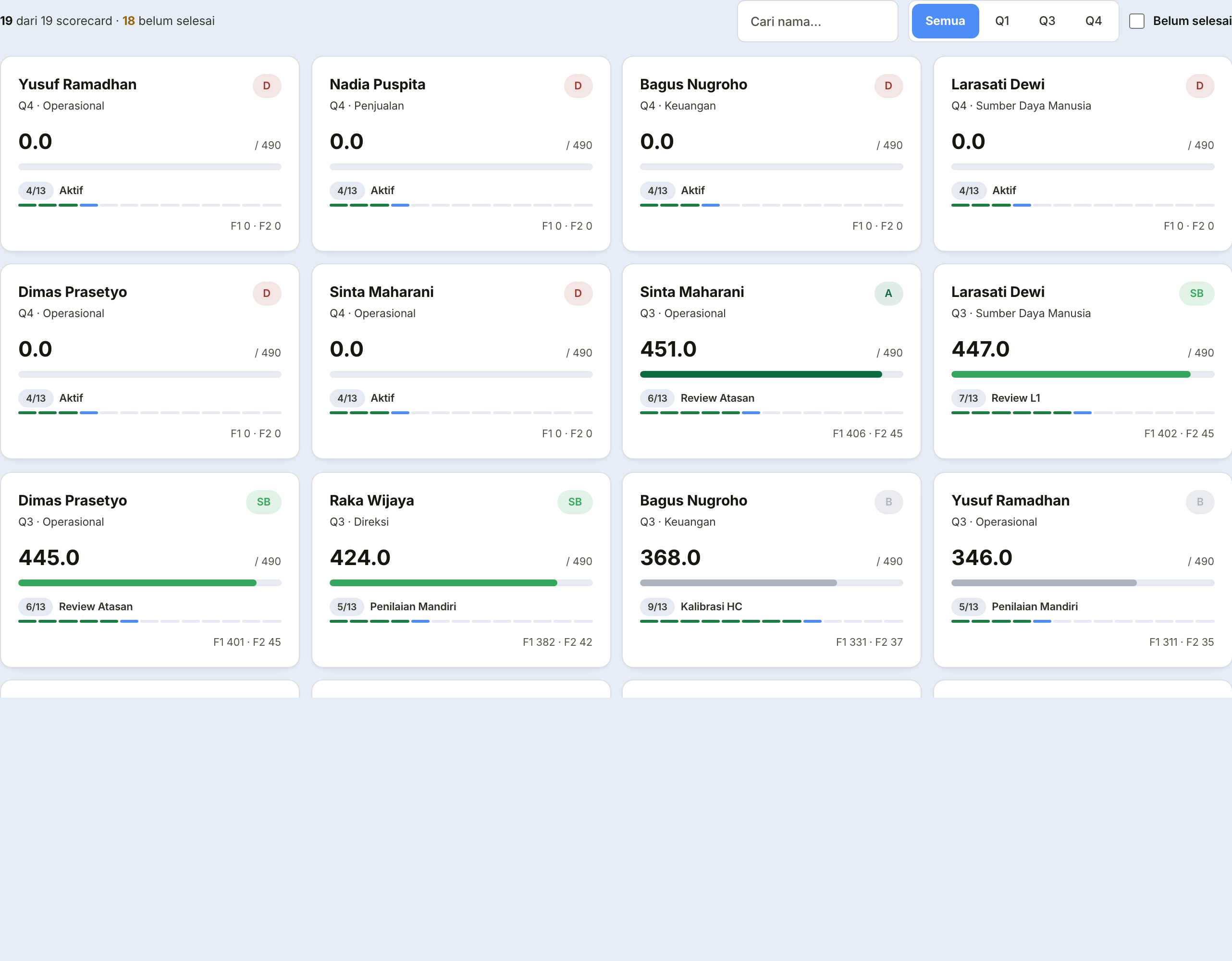
The page where managers assess submitted scorecards from their reports.
Step by step
Open a report's scorecard.
Its indicator list opens as a table (the default here — for scanning many numbers at once), switchable to a card view from the toggle at the top right. The Attainment and Score columns are sortable — the fastest way to spot your report's weakest indicator.
Read the results and check the evidence. This is why evidence is required — a figure without evidence cannot be assessed.
Complete the Form 2 (Behaviour) assessment for every competency. Approve stays locked until all of them are scored — a skipped one counts as zero, not as skipped, and once the result is locked that figure cannot be corrected.
Choose Approve — the scorecard moves up a level — or Return it to the employee.
Returning a scorecard
The reason is mandatory and is sent directly to the employee concerned.
Write what needs fixing
The return reason is read directly by that person. "Incomplete" tells them nothing, and the scorecard will come back with the same gap.
Name the indicator, and what is missing.
After you approve
The scorecard passes through a tiered review one level above you, then a director review, following the same pattern.
You can track its position from this page.