

English
Organisation structure
Two pages often mistaken for each other: the People Chart and Units & Structure.
Two different diagrams
| People Chart | Unit chart | |
|---|---|---|
| Draws | People | Organisational boxes |
| Its lines | Who reports to whom | Division → department → team |
| Used for | Deciding who approves requests | Building reports per unit |
Neither is a copy of the other, and both need filling in.
People Chart
Draws the manager–report lines between people. From here you can change someone's direct manager.
Changing a manager changes the request route
Leave, overtime, claims, and other requests flow along this line.
Changes apply to new requests. Those already running stay on their old chain — so changing the structure does not clear a queue that has already gone the wrong way.
Units & Structure
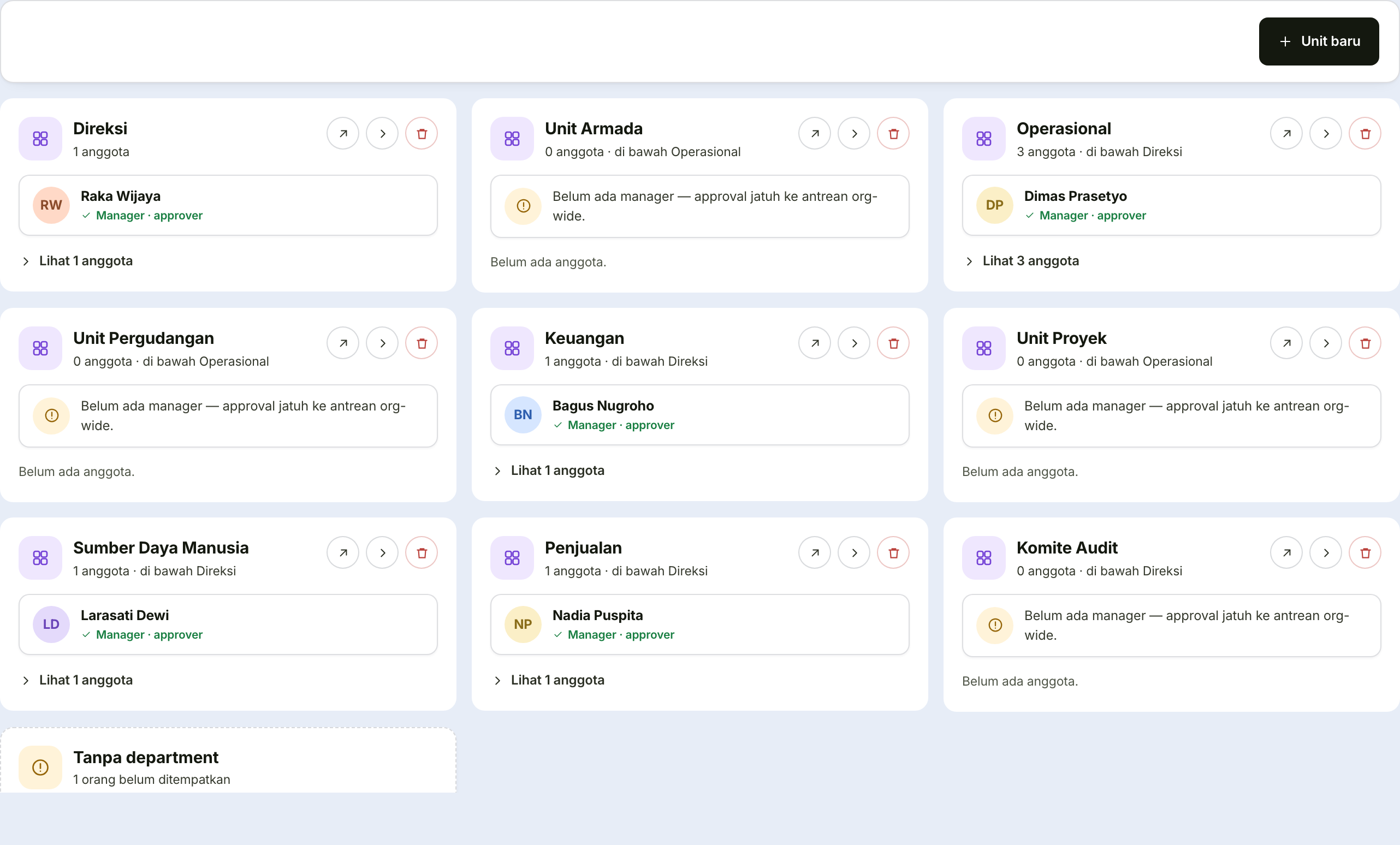
Three tabs: the unit chart, the list of units with their managers, and structure health.
Creating or changing a unit
| Field | What it holds | Note |
|---|---|---|
| Unit name | The department name | |
| Level | Division, department, unit, team, or advisory | The advisory level is drawn separately with a dashed line — outside the chain of command |
| Code | An abbreviation | For reports and exports |
| Order | A number | Sets its left-to-right position on the chart |
| Manager | Search by name | Decides where this unit's members' requests flow, unless a person has their own direct manager |
| Parent unit | The unit above it | Blank means a top-level unit |
| Description | Free text |
Structure health
Read this tab after every significant change.
| Finding | Consequence if left |
|---|---|
| A unit with no manager | Its members' requests have no automatic destination |
| An employee with no unit | Absent from the chart; departmental reports incomplete |
| A broken approval chain | Requests hang with no approver |
Check this tab before blaming the system
Most "my request never reached anyone" complaints end at one of these three findings.